
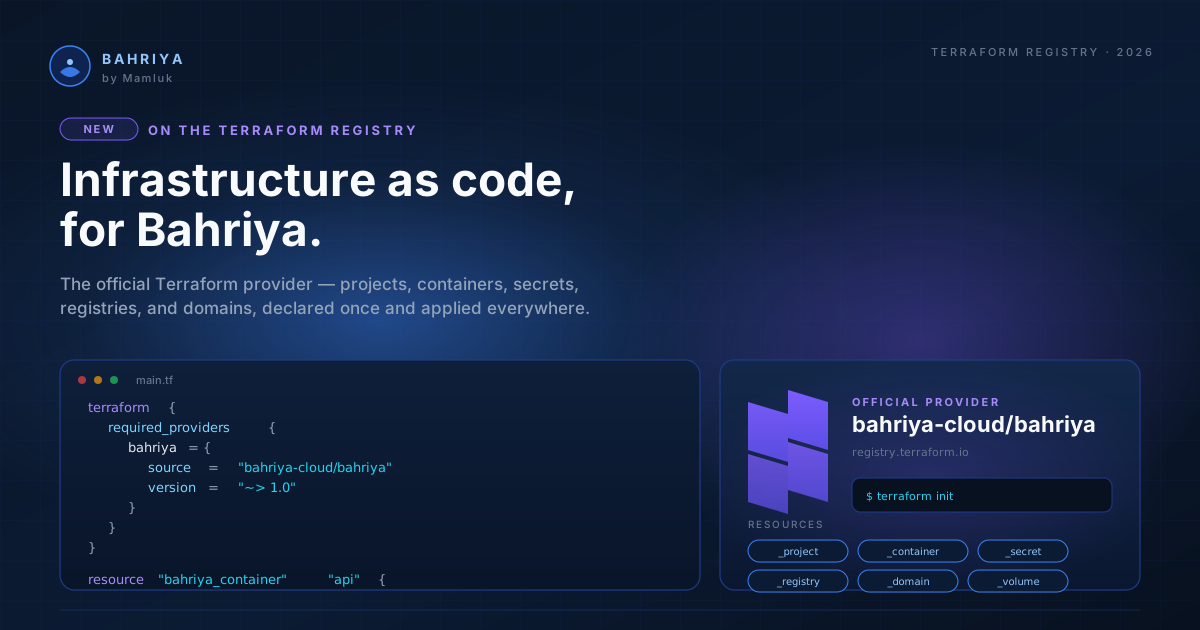
The Bahriya Terraform provider is now on the HashiCorp Registry
The official Bahriya Terraform provider is live on the HashiCorp Registry, with full lifecycle management of projects, containers, registries and secrets.
If you manage infrastructure with Terraform, you can now manage Bahriya the same way. The official Bahriya provider is live on the HashiCorp Terraform Registry and ready to use.
What it does
The provider gives you full lifecycle management of every Bahriya resource type:
- Projects — the namespace that groups your containers, secrets, registries, and cache instances
- Containers — HTTP services, background workers, and scheduled cron jobs, with all the configuration you would set in the console: autoscaling, environment variables, secrets, custom hostnames, rate limiting, IP rules, basic auth, Prometheus scraping, proxy caching, init jobs, and persistent volumes
- Registries — credentials for pulling images from private registries (GitHub, Docker Hub, AWS ECR, and anything OCI-compatible)
- Secrets — encrypted values injected into containers as environment variables
- Memcached — managed cache instances with configurable node count, cluster mode, memory, and connection limits
Three data sources round it out: look up your current organisation, query a region by ID, or list all regions with an optional status filter.
Everything the console and the Reis CLI can do, the Terraform provider can do — declaratively, version-controlled, and composable with the rest of your Terraform stack.
Getting started
Add the provider to your Terraform configuration and authenticate with a personal access token:
terraform {
  required_providers {
    bahriya = {
      source  = "bahriya-cloud/bahriya"
      version = "~> 0.1"
    }
  }
}

provider "bahriya" {}
export BAHRIYA_TOKEN="pat_..."
export BAHRIYA_ORGANISATION_ID="your-org-uuid"
terraform initFrom there, define your infrastructure in .tf files and let Terraform handle the rest. A minimal HTTP container takes about 15 lines:
resource "bahriya_project" "web" {
  handle  = "web-prod"
  name    = "Web Production"
  regions = ["falkenstein-1"]
}

resource "bahriya_container" "api" {
  handle          = "api"
  name            = "API Server"
  image           = "nginx:alpine"
  containerport   = "80"
  healthcheckpath = "/"
  mincpu          = "100"
  minmemory       = "128"

  autoscalingminreplicas = "1"
  activeregions          = ["falkenstein-1"]
  project                = bahriya_project.web.id
}
Run terraform plan to preview, terraform apply to deploy.
Why Terraform
If you are already using Terraform for DNS, monitoring, CI/CD, or another cloud provider, the Bahriya provider slots into the same workflow. You define your Bahriya infrastructure alongside everything else, review changes in a pull request, and apply them in a pipeline. No context switching between tools.
For teams that are new to Terraform, the provider is also a good way to get started with infrastructure as code on Bahriya. The declarative model makes it easy to set up identical staging and production environments from the same configuration, and the plan/apply cycle gives you a preview of every change before it happens.
If you prefer a CLI workflow, the Reis CLI's YAML mode offers a similar declarative experience without the Terraform dependency. Both tools produce identical results — pick whichever fits your workflow.
Three ways to manage Bahriya infrastructure
With the Terraform provider, there are now three fully supported paths:
| Approach | Best for |
|---|---|
| Console | Visual management, quick edits, exploring the platform |
| Reis CLI | Scripted deploys, CI/CD pipelines, interactive workflows |
| Terraform | Declarative IaC alongside other providers, PR-based review |
All three are first-class. All three hit the same API. All three produce the same result. Pick the one that fits your team, or mix them — Terraform can import resources you created in the console or with Reis.
What's next
The provider supports every resource type and configuration option available on the platform today. As we add new capabilities — new resource types, new container features, new data sources — the provider will be updated in lockstep.
The full documentation is on the Terraform Registry, and we have a complete set of guides in the knowledgebase covering installation, every resource type, and a complete working example that ties everything together.
From the knowledgebase